Tutorials#
Worked examples that take you from loading your first neuron all the way to plotting, morphological analysis, NBLAST and machine learning. Every tutorial is a self-contained script you can read here or download and run yourself.
New to NAVis?
Start with The Basics and work your way down.
General Tutorials#
Get to grips with the core concepts: neuron types, lists of neurons, masking, and carrying your own data along with a neuron.
 beginnerThe BasicsGet a feel for NAVis: load a neuron, inspect it and run basic operations.
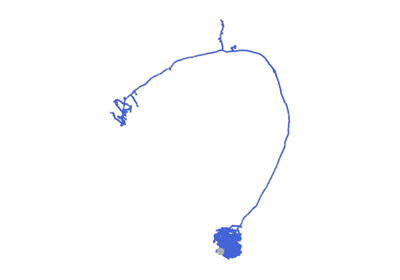 beginnerNeuron TypesThe four neuron types — skeletons, meshes, dotprops and voxels — and when to use each.
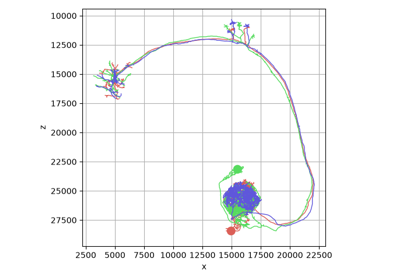 beginnerLists of NeuronsWork with many neurons at once using NeuronLists: indexing, filtering and batch operations.
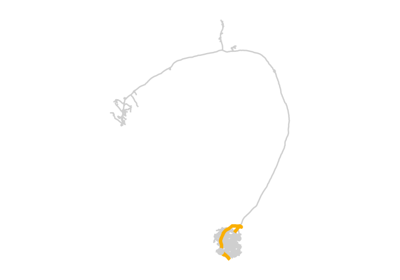 intermediateMaskingRestrict analyses, plots and edits to part of a neuron - reversibly.
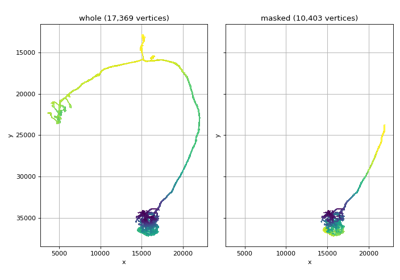 advancedAttaching DataCarry your own data through subsetting, masking and pruning.
Import / Export#
Load and save neurons across the many file formats and data sources NAVis supports.
 beginnerSkeletonsLoad and save skeletons from SWC and other formats, or build them from scratch.
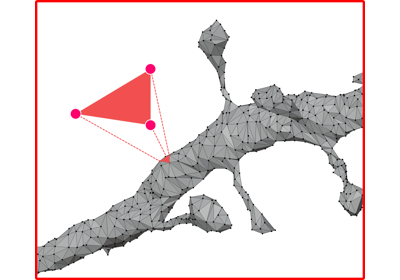 beginnerMeshesLoad and save mesh neurons in OBJ, PLY, STL and other formats.
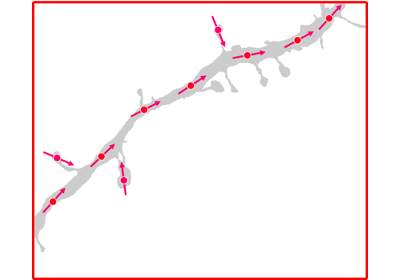 beginnerDotpropsCreate dotprops — point-and-vector representations — from skeletons, meshes or raw points.
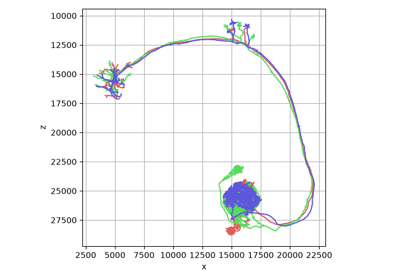 intermediateR & the natverseExchange neurons with R's natverse by reading and writing .rds/.rda files.
 beginnerPicklingQuickly cache and reload neurons with Python's pickle module.
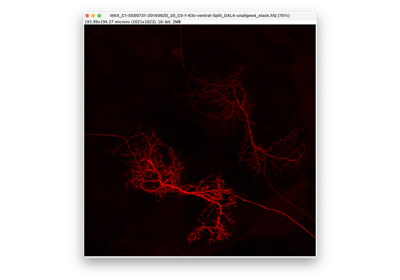 advancedSkeletons from light-level dataExtract skeletons from confocal microscopy image stacks.
Plotting#
Visualize neurons in 2D and 3D — and fine-tune every detail of how they look.
General#
Start here: which plotting mode and backend to reach for, and how to colour neurons — the one set of parameters that works the same everywhere.
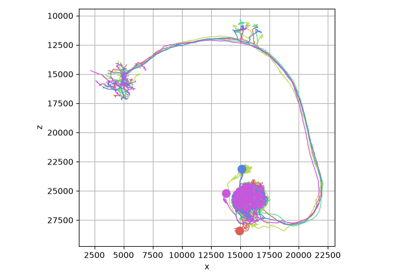 beginnerPlotting OverviewWhich plotting mode and which backend to reach for, and how they compare.
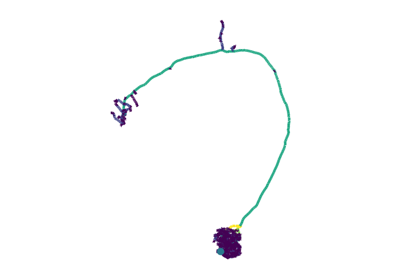 beginnerColoringControl neuron colors, palettes, opacity and depth cues - in every backend.
2D Plotting#
Fine-tune static, publication-quality figures with navis.plot2d — one tutorial each for skeletons, meshes and volumes.
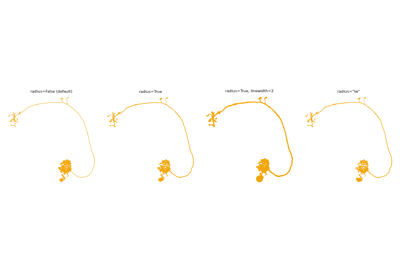 intermediateSkeletonsFine-tune skeleton figures: radii, tapering, halos and depth sorting.
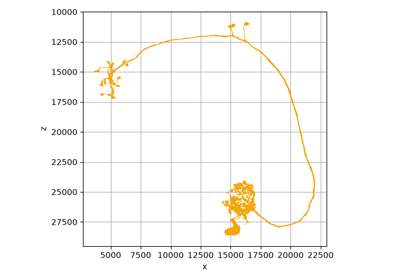 intermediateMeshesShade, outline and stack mesh neurons.
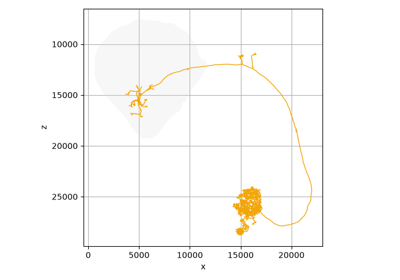 intermediateVolumesGive a figure context without letting the neuropil steal it.
3D Plotting#
Explore neurons interactively with navis.plot3d — and render what you set up to a figure.
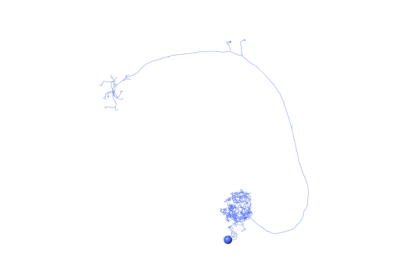 intermediateSkeletonsExplore skeletons in an interactive 3D viewer - then render what you set up into a figure.
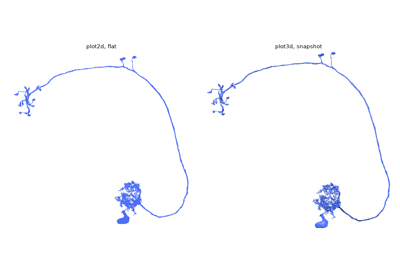 intermediateMeshesLight mesh neurons properly - which is what a real renderer is for.
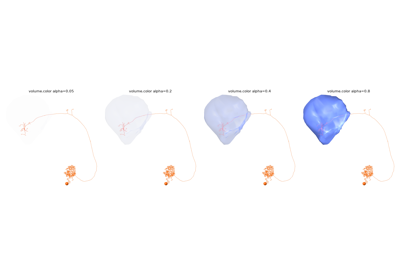 intermediateVolumesPut a neuropil around your neurons without losing sight of them.
Other Plots#
Synapses in context, neurons flattened into one dimension, unrolled into dendrograms, packed by the hundred onto a single page — or drawn as if by hand.
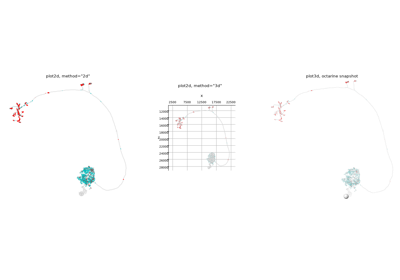 intermediateConnectorsShow where a neuron talks to its partners.
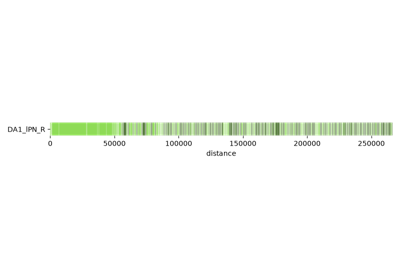 intermediateNeuron "Barcodes"Visualize a neuron's branching pattern as a topological "barcode".
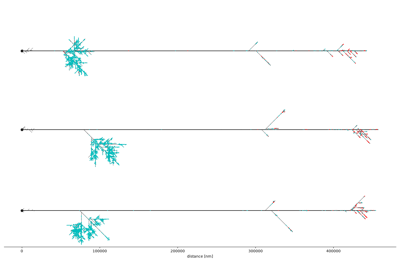 intermediateNeuron TopologyPlot neurons as abstract topology graphs using several layout algorithms.
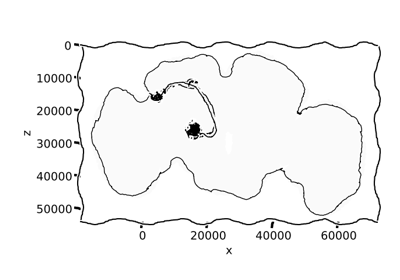 beginnerXKCD StyleRender neurons in the hand-drawn XKCD sketch style, just for fun.
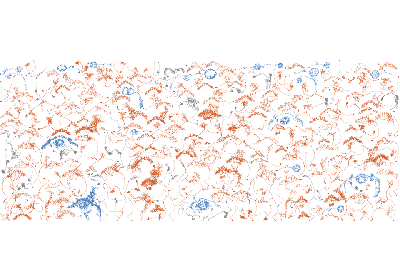 intermediateNeuron CollagesArrange hundreds of neurons on a single page.
Examples#
Complete figures, start to finish.

Morphology#
Measure, analyze and manipulate the morphology of your neurons.
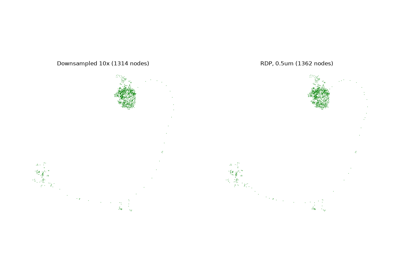 beginnerManipulate MorphologyPrune, resample, smooth and reshape neuron morphology.
 intermediateAnalyzing Neuron MorphologyMeasure morphometrics — segment lengths, geodesic distances and branch angles.
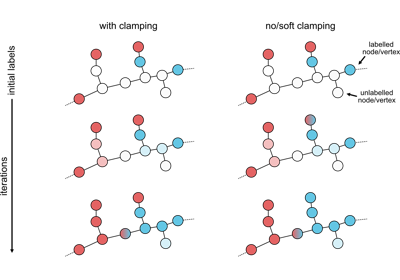 intermediateLabel PropagationSpread a sparse set of labels across a neuron using its topology.
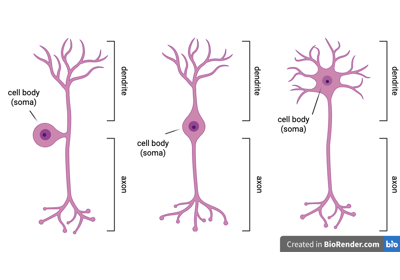 intermediateAxon-Dendrite SplitsSplit a neuron into axon and dendrite from synapse flow centrality.
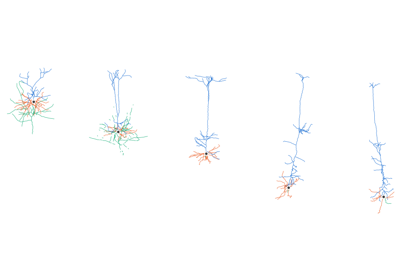 intermediateIVSCC morphometricsMeasure cortical neurons compartment by compartment.
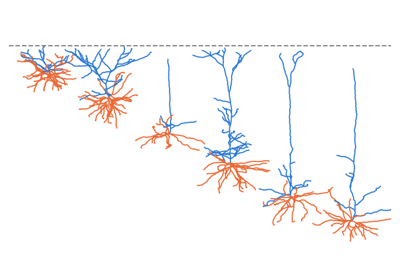 advancedIVSCC morphometrics on EM dataTurn MICrONS reconstructions into something [navis.ivscc_features][] can measure.
Interfaces#
Connect NAVis to external tools like the NEURON simulator and Blender.
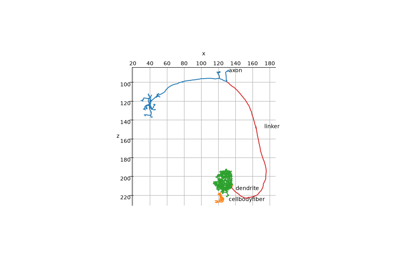 advancedNEURON simulatorRun compartment-model simulations of neurons and networks via the NEURON simulator.
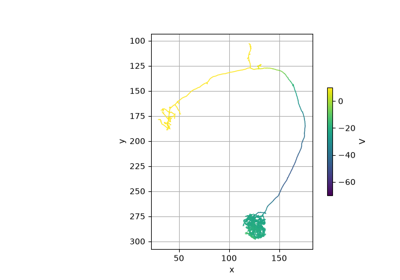 advancedVisualize NEURON modelVisualize a NEURON compartment model in 3D.
 intermediateBlender 3DDrive Blender 3D from NAVis for high-quality neuron renders.
Remote Data Sources#
Fetch neurons straight from remote sources such as neuPrint, the MICrONS datasets and the Insect Brain DB.
 intermediateremote dataneuPrintQuery and fetch neurons and connectivity from a neuPrint server.
 intermediateremote dataNeuroglancer & CloudVolumePull neurons and meshes from Neuroglancer sources via CloudVolume.
 intermediateremote dataThe MICrONS DatasetsFetch and explore neurons from the MICrONS EM datasets.
 beginnerremote dataInsect Brain DBFetch neurons and brain meshes from the Insect Brain Database.
 intermediateremote dataH01 DatasetExplore the H01 human cortex EM dataset.
 beginnerremote dataBrain Image LibraryFetch neurons from the Brain Image Library (BIL).
NBLAST#
Compare neuron morphology at scale with NBLAST.
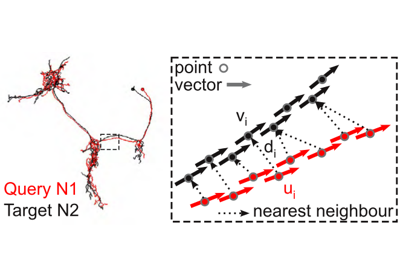 intermediateNBLASTCompare neuron morphology with NBLAST — the concepts and a first run.
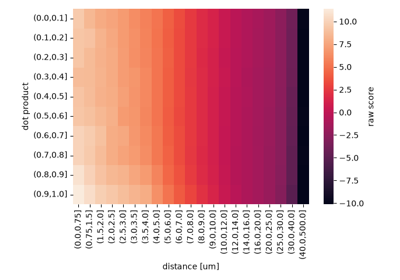 advancedCustom score matricesTrain a custom NBLAST scoring matrix from your own data.
 advancedNBLAST against FlyCircuitMatch a query neuron against the entire FlyCircuit light-level dataset.
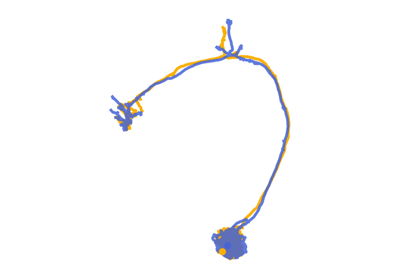 advancedNBLAST using light-level dataMatch light-level neurons against EM skeletons with NBLAST.
Misc#
Assorted tutorials that don't fit neatly elsewhere — spatial transforms and multiprocessing.
 intermediateMultiprocessingSpeed up batch workloads with built-in parallel processing.
 intermediateTransformationsMove neurons between brain templates and mirror them across the midline.
Machine Learning#
Turn variable-sized neurons into fixed-size, canonically-posed model inputs — normalize, sample and augment them for machine-learning pipelines.
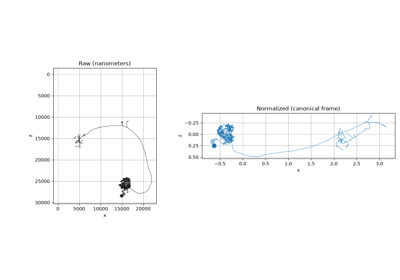 intermediateNormalizing NeuronsBring neurons into a canonical pose for machine-learning models.
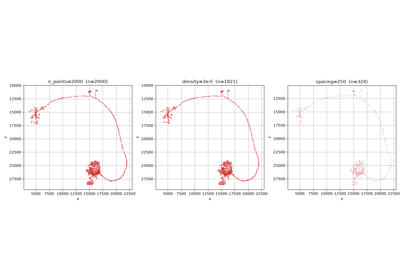 advancedFrom Neurons to Model InputsTurn neurons into fixed-size model inputs: feature point clouds and batchable patches.
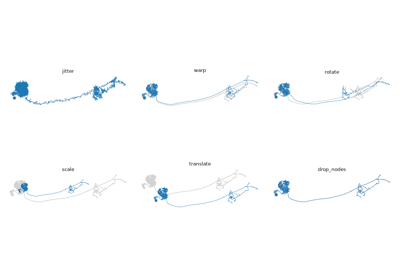 intermediateAugmenting NeuronsAugment neuron training sets with realistic perturbations for robust models.